For Developers · Monetization Ads Provider
Lockr.so
Lockr.so is a straightforward API-key provider. The dashboard takes you through Settings → API → copy key, then paste into Panda Auth and save.
Before you start
If you do not have a Lockr.so account, create one at lockr.net/r/panda. Once registered (or if you already have an account), log into the dashboard.
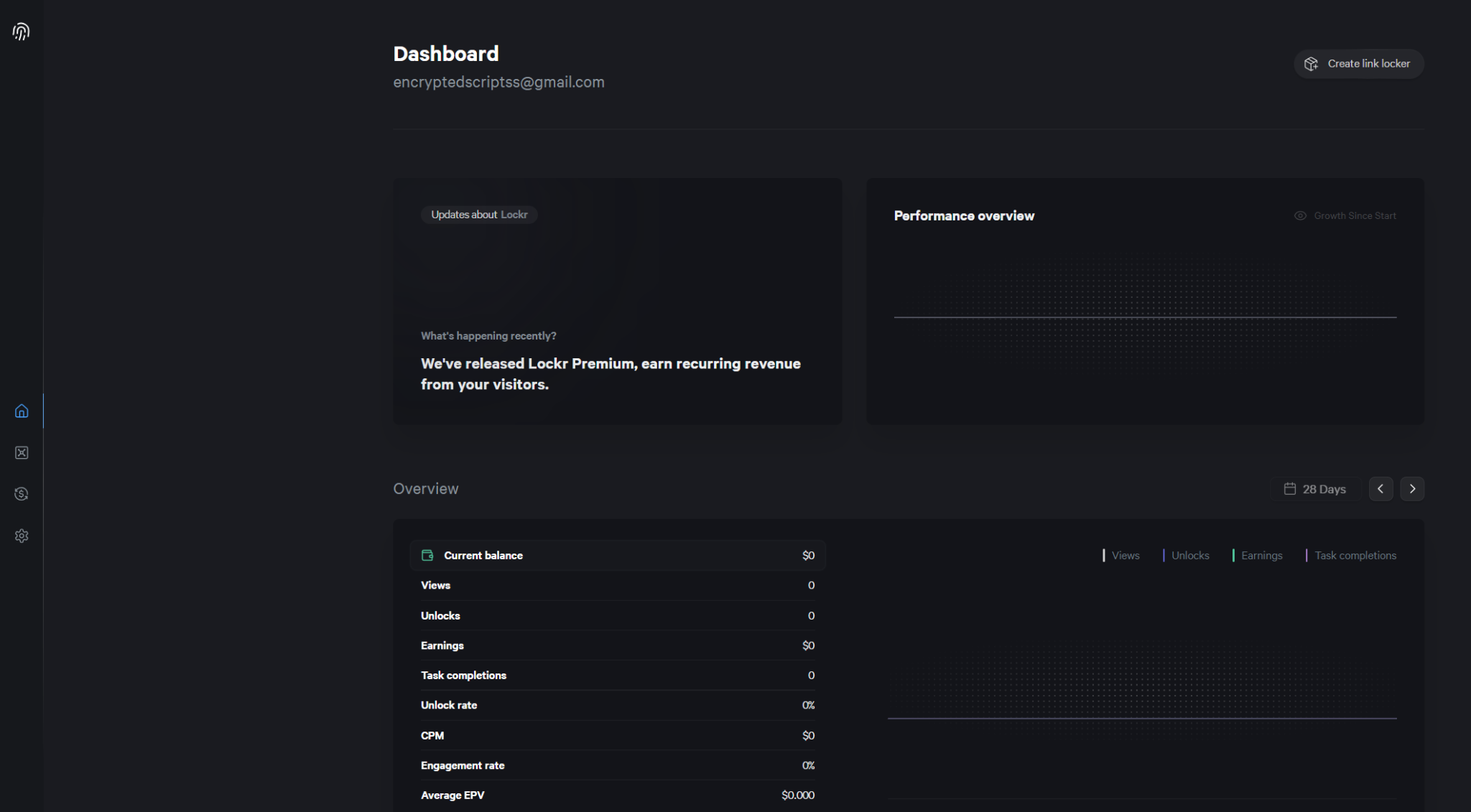
Step 1 — Open the Lockr.so dashboard
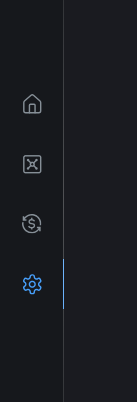
Step 2 — Navigate to Settings
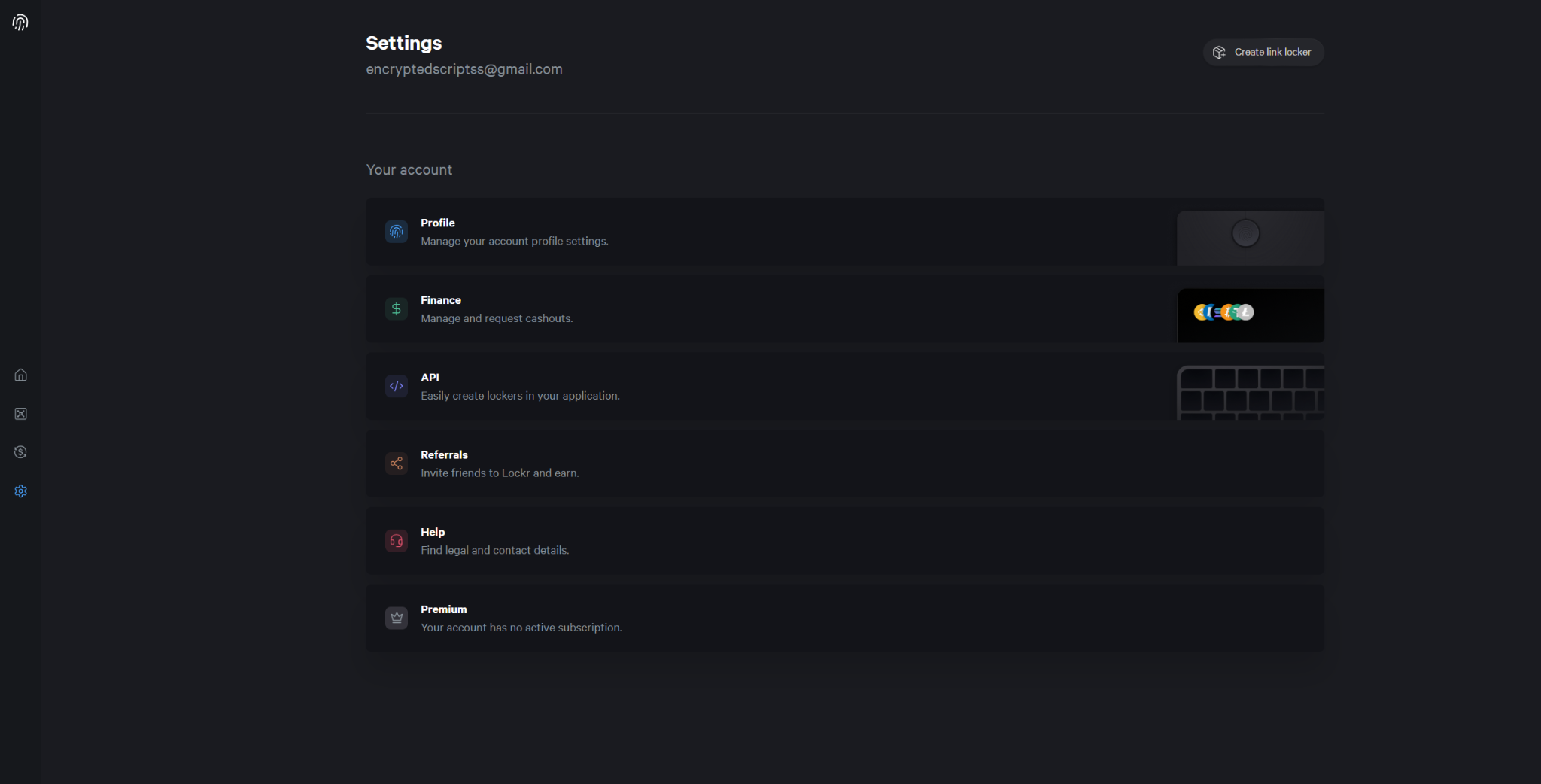
Step 3 — Click API
In Settings, click API.
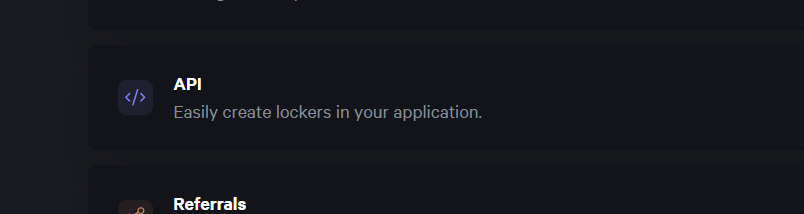
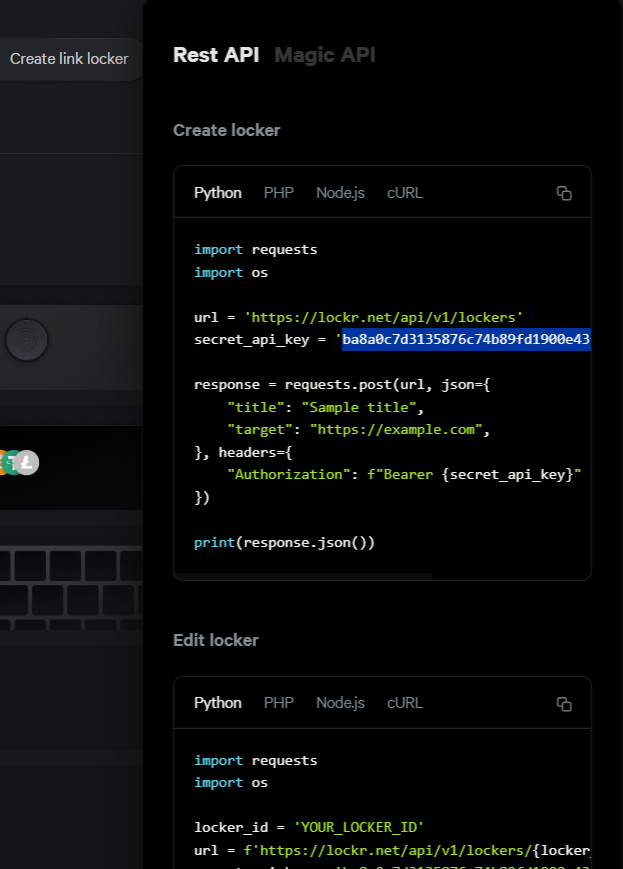
Step 4 — Copy your API key
Your API key appears on this page. Copy it.
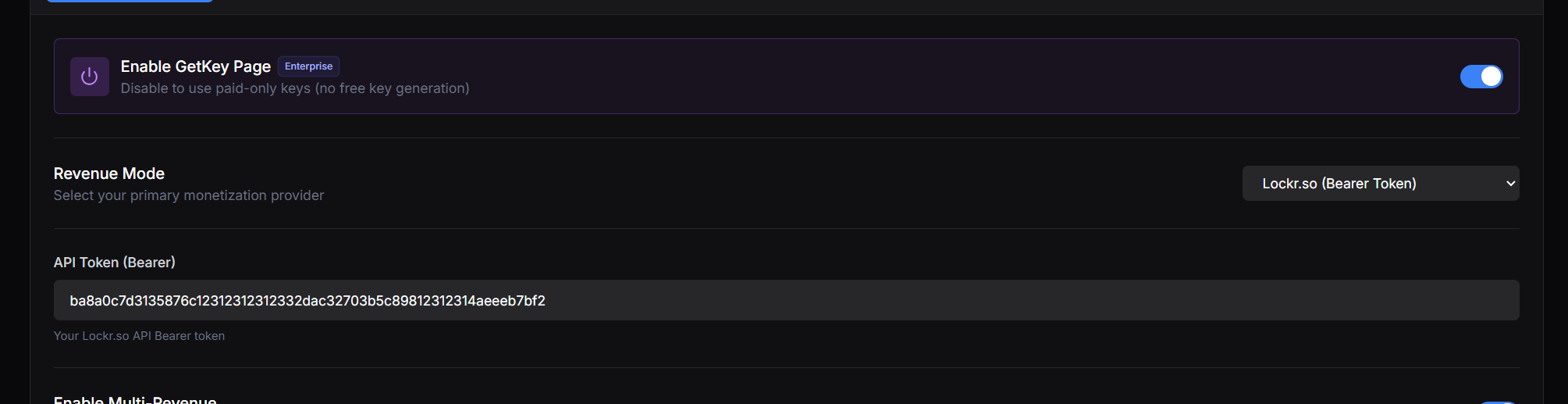
Step 5 — Paste into Panda Auth and save
Back in Panda Auth, go to Monetization Settings → Revenue Settings, select Lockr.so from the Revenue Mode dropdown, paste your API Key, and click Save Changes.
Done
Lockr.so is now your active provider.